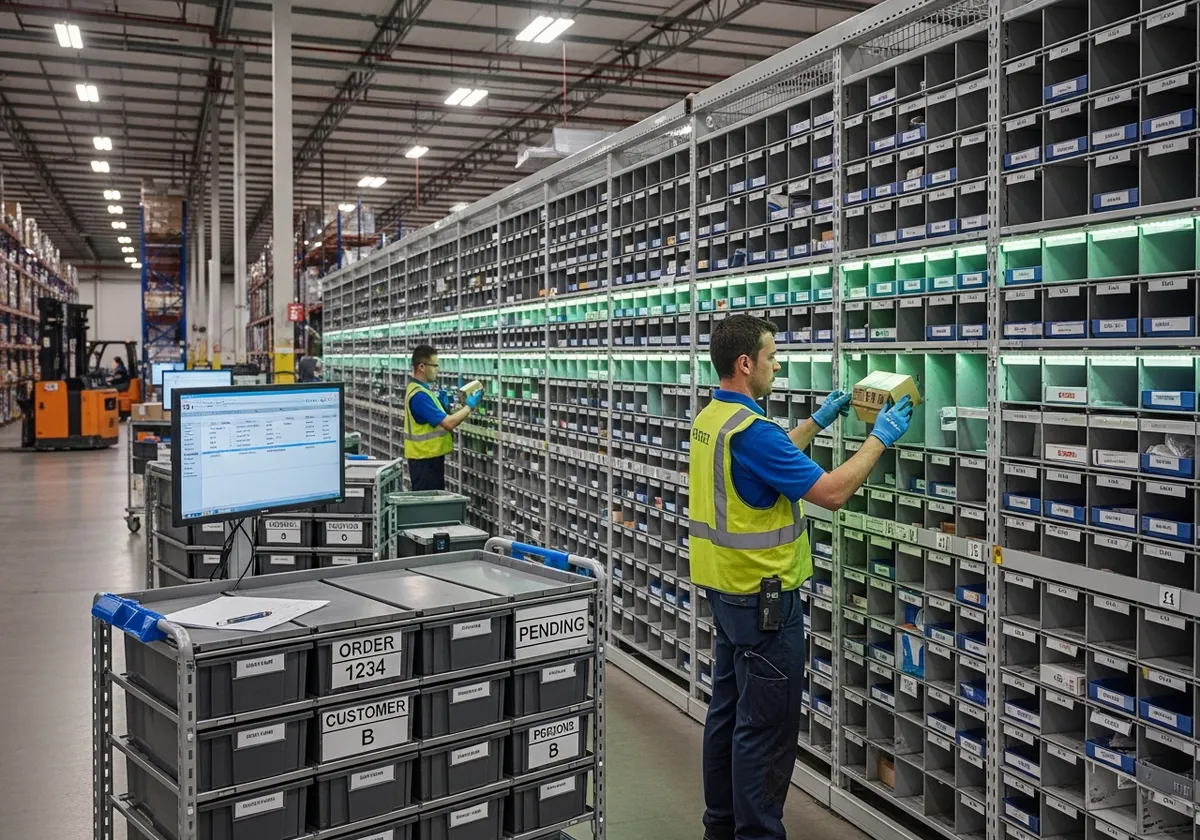
Put to Light — Sort Faster, Ship Sooner
Put-to-light is the reverse of picking — operators sort pre-picked items into designated order locations using light-guided displays. Also known as sort-to-light or put-by-light, this wireless order sortation method uses Voodoo's IoT displays to show exactly where each item goes and in what quantity. The result: faster sorting, fewer errors, and orders that ship sooner. Pair it with a pick to light system for a complete light-directed workflow.
Scan. Light. Place. Confirm.
A streamlined put-by-light workflow that turns chaotic order sortation into a guided, error-proof process — fully integrated with your WMS.
Items Arrive
Pre-picked items arrive at the put station after batch picking, ready to be sorted into individual orders.
Scan & Light
The operator scans the item barcode — the correct order location instantly lights up on the put wall.
Place Item
The operator places the item in the lit compartment. The display shows the required quantity for that order.
Confirm Put
A button press confirms the put. The system updates your WMS in real time and advances to the next item.
Sortation Results You Can Measure
Wireless put-to-light systems deliver measurable improvements from the first shift. No wiring, no complex installation — just faster, more accurate order sortation.
No wiring required — deploy in hours, reconfigure your put wall layout in minutes.
When to Use Put to Light
- ●After batch picking, when items need sorting into individual orders
- ●High-volume sortation across dozens or hundreds of simultaneous orders
- ●Multi-client 3PL operations with frequent client mix changes
- ●Retail store replenishment (put-to-store) from distribution centers
- ●Any workflow where operators sort items to destinations, not retrieve from shelves
Why Wireless Sort-to-Light
- ●Turn any shelving into a smart sort-to-light station — no wiring
- ●Reconfigure put wall layouts in minutes as order profiles change
- ●Add or remove sort locations on demand during seasonal peaks
- ●Battery-powered displays last years — zero maintenance wiring
- ●Deploy a complete put-by-light station in hours, not weeks
What It Integrates With
- ●Any WMS via standard REST API — JSON over HTTPS
- ●Barcode scanners for item identification at the put station
- ●Upstream pick-to-light for a complete pick → sort workflow
- ●Downstream pack-to-light for ship verification
- ●Cloud dashboard for sort rate, accuracy, and order completion monitoring
Put to Light vs. Other Workflows
Put-to-light — also called sort-to-light or put-by-light — is a sortation workflow. Here's how it differs from retrieval and mobile approaches.
Put to Light vs. Pick to Light
Pick-to-light (pick-by-light) guides retrieval — displays light up at shelves where items are stored. Put-to-light guides placement — displays light up at the order location where items need to go. Pick-to-light handles the first half of the order; put-to-light handles the second. Both run on the same Voodoo hardware.
Put to Light vs. Put Walls
Put-to-light is the workflow method — using light-directed displays to guide sortation. A put wall (sort wall) is the physical structure — shelving with compartments. Put walls are a specific implementation of put-to-light. You can also run put-to-light on carts, conveyor lanes, or temporary staging racks.
Put to Light vs. Pick to Cart
Put-to-light sorts items at a stationary put station after batch picking. Pick-to-cart (cart-based picking) picks and sorts simultaneously on a mobile cart as the worker moves through the warehouse. Put-to-light handles higher order density; pick-to-cart handles more dynamic environments.
Where Put-to-Light Delivers
From eCommerce fulfillment centers to grocery distribution hubs, put-to-light systems streamline order sortation across industries. See all use cases.
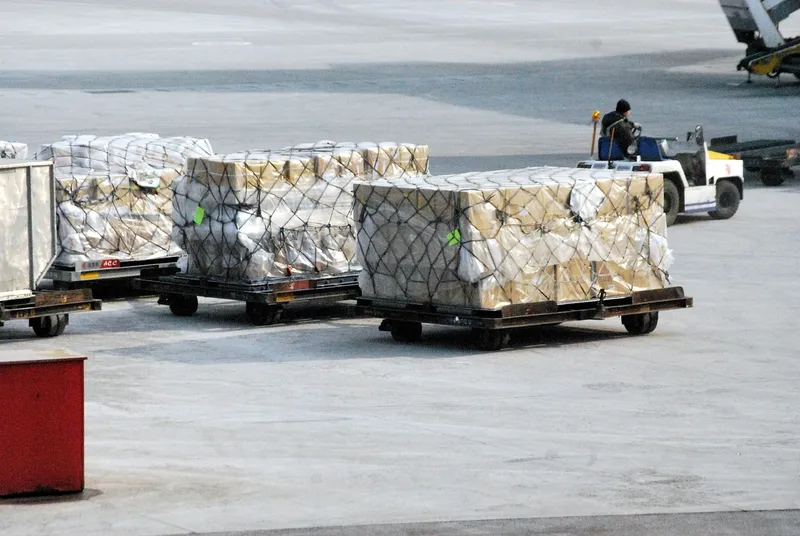
eCommerce Fulfillment
Sort high volumes of individual orders from batch-picked items. Put-to-light displays guide operators to the correct tote or cubby for each order, keeping throughput high during peak season.
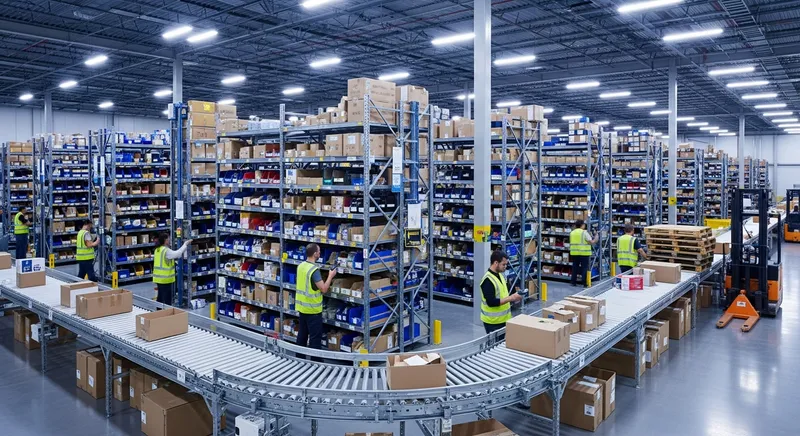
3PL Multi-Client Sortation
Handle multiple clients' orders on a single put wall. Each display shows the client, order number, and quantity — eliminating cross-client mis-sorts and simplifying billing.
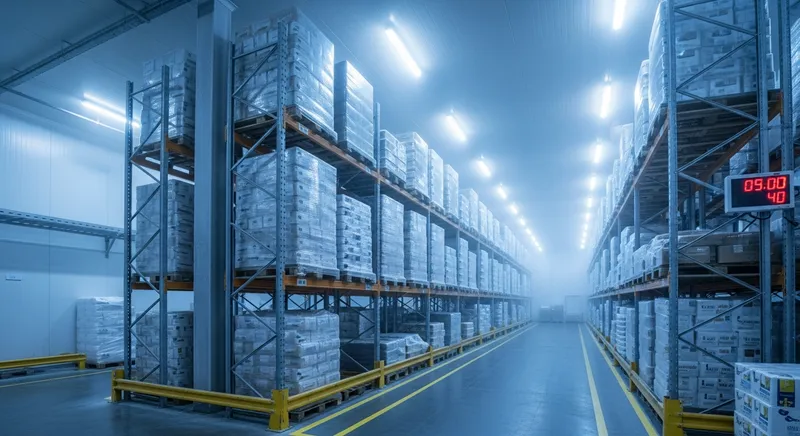
Grocery & Food Distribution
Sort temperature-sensitive items into store-specific totes quickly. Speed matters when perishables are on the line, and light-directed sortation minimizes dwell time in staging areas.
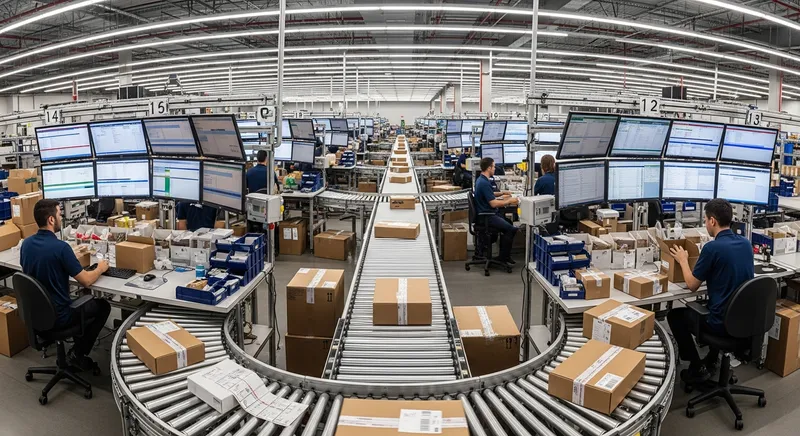
Retail Store Replenishment
Put-to-store operations use the same sort-to-light workflow to break bulk shipments into store-level allocations, ensuring every location gets the right product mix.
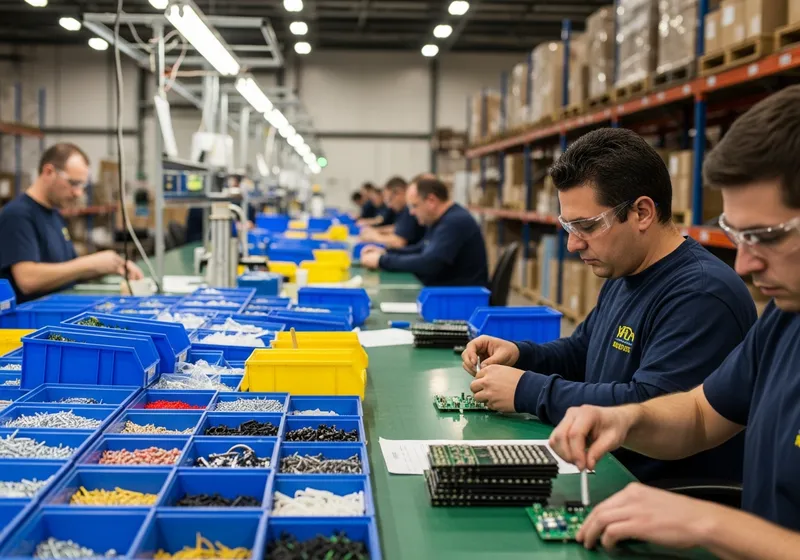
Subscription Box Assembly
Assemble multi-item subscription boxes by sorting components into subscriber-specific slots. Displays confirm each item, reducing incomplete shipments and returns.
Frequently Asked Questions
What is put-to-light?
What's the difference between pick-to-light and put-to-light?
How does put-to-light integrate with our WMS?
Can put-to-light work with put walls?
What industries use put-to-light?
How quickly can we deploy a put-to-light system?
Ready to Sort Faster?
See how Voodoo's put-to-light system transforms order sortation in your facility.